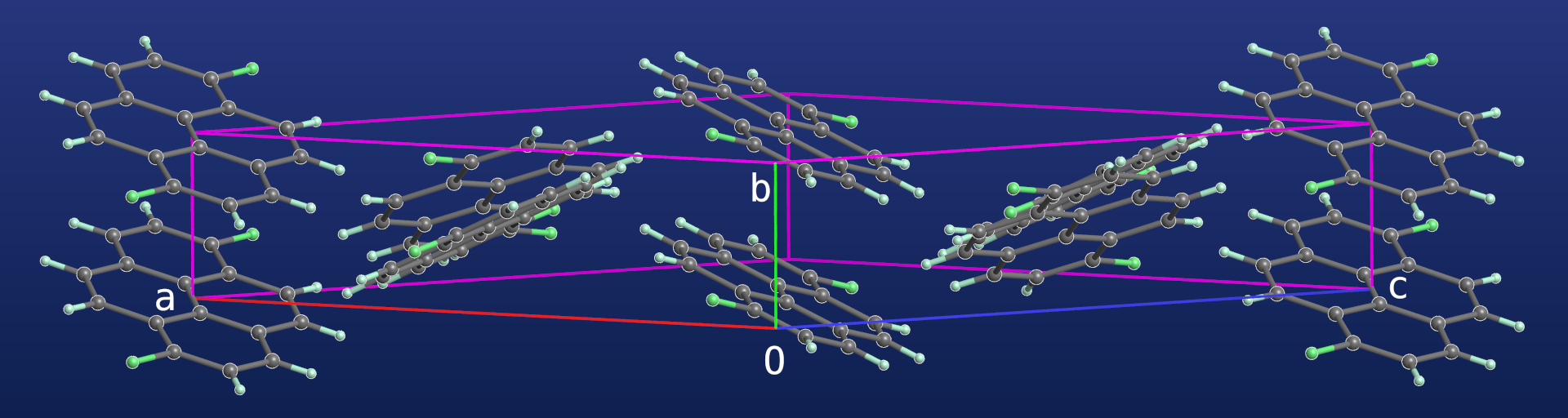
PrimeXP download page
The latest released version is 1.19.6
Click here for a list of changes since original release
For Mac (Apple Si) and Windows (10 & 11), there are clickable launchers that bundle a standalone Python environment along with all the external modules. You will also need a copy of the source code. For Linux, you currently still need an existing Python environment with the external libraries (NumPy, SciPy, scikit-image, NetworkX, PyQt6, and PyOpenGL) installed. If you do download the program, please let me know via e-mail. Bug reports and feature requests are especially welcome.
If you are on Mac or Windows and you already have the PrimeXP clickable launcher installed, to update simply download the latest source code, unzip and replace your old 'src' directory. If this does not work, please e-mail me.
- PrimeXP source code
- PrimeXP launcher for Mac
- PrimeXP launcher for Windows
- PrimeXP manual (still a work in progress)
- PrimeXP read me
- PrimeXP license
The Mac and Windows launcher downloads are zipped archive files that each
contain the clickable .app or .exe, license, and readme files. You will
also need a copy of the source code! This must be unzipped and placed
within the PrimeXP-launcher-Mac/Win folder so that it is side-by-side
with the .app or .exe file. The source folder must be named 'src'.
For Windows, download and unzip PrimeXP-launcher-Win.zip and copy the
source code into the PrimeXP-launcher-Win folder as 'src'. Note that
unzipping the archive might be slow ... don't worry, it will get there!
The initial launch might need you to be an Adminstrator and do 'run anyway'.
Again this might be a bit slow for the initial launch.
If Windows security prevents the .exe from running, you might need to
remove the "Mark of the Web", which is Windows security measure. The
following might work within PowerShell:
Get-ChildItem -Path "full-path-to\PrimeXP" -Recurse -File | Unblock-File
For Mac (Apple Si only), download and unzip the PrimeXP-launcher-Mac.zip
file and place a copy of the source code into the PrimeXP-launcher-Mac
folder as 'src'.
In a Terminal window, navigate to the 'PrimeXP-launcher-Mac' folder and
enter the following command, which removes Apple's 'quarantine bit':
xattr -cr PrimeXP.app
You might also have to bypass the 'unverified developer' nonsense via System Settings. I did not have to do this step when I tested this method of distribution, but there are details in the README.md file just in case.